Why every modern company needs a corporate studio
Video has shifted from "nice to have" to the dominant format inside the enterprise. Internal town halls, leadership messages, onboarding, sales enablement, customer marketing, and thought-leadership content on LinkedIn and YouTube all compete for the same scarce resource: your team''s time on camera.
An in-house corporate studio solves three problems at once:
- Speed: No external bookings, no travel, no waiting on agencies. Record on Tuesday, publish on Wednesday.
- Cost: The studio pays itself back after roughly 15–25 productions when compared with renting external facilities.
- Consistency: Same lighting, same framing, same audio, every time — your brand starts to look like a media company instead of a company that occasionally makes videos.
Canon frames this same shift in its Corporate Studio hub: video demand on LinkedIn, YouTube, and TikTok is forcing companies to produce in higher frequency, and a dedicated studio is what makes that frequency realistic.
Decide which formats your studio needs to serve
Before you order a single camera, write down the formats the studio will produce in the next 12 months. Canon groups corporate use cases into seven scenarios — most companies need three or four of them:
- Virtual studio — marketing campaigns, product launches, tutorials, livestreams against a chroma or LED background.
- Podcast studio — interviews, leadership series, customer references, recurring episodes.
- Multi-cam studio — panels, town halls, fireside chats, anything with more than one person on camera.
- Photo studio — press shots, web and social imagery, product photography.
- Live events — quarterly all-hands, hybrid conferences, livestreamed announcements.
- Video conferencing+ — high-end meetings and exec calls that look like broadcast, not Zoom.
- Outdoor — site visits, customer stories, on-location reportage.
Pick the two or three you''ll do weekly. Those decisions drive the room and the gear list.
Plan the room: size, acoustics, and light
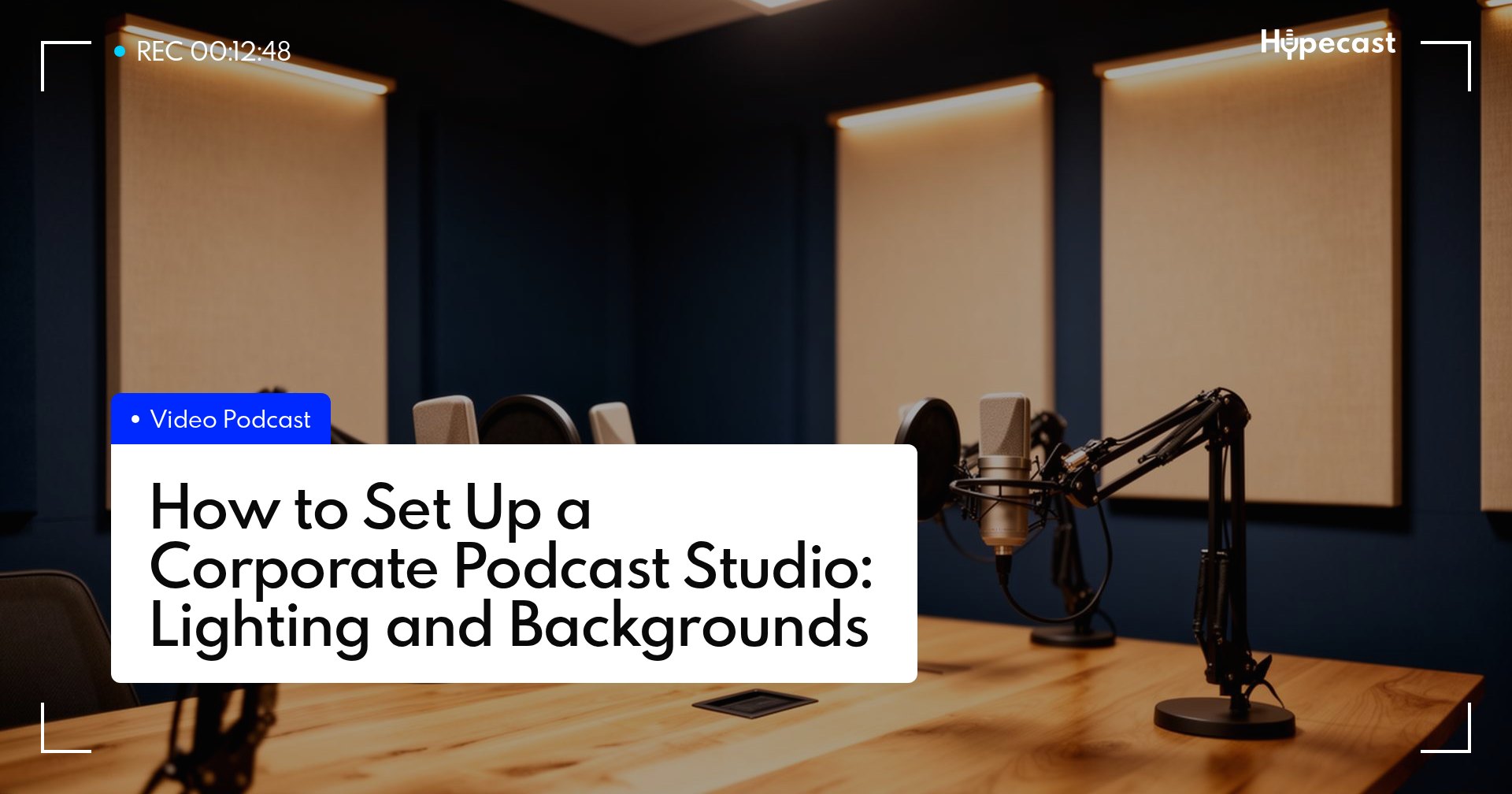
A corporate studio doesn''t need a soundstage. A standard 20–35 m² meeting room works for most setups when you treat it properly:
- Acoustics first. Carpet, curtains, and acoustic panels on at least two opposite walls eliminate the boxy reverb that makes corporate video sound amateur.
- Light second. Block daylight with blackout blinds and use 2–3 LED panels with softboxes. Consistent light means no color-correction work later.
- Backdrop third. A 3 m painted accent wall or a textured curtain is enough to start. LED backdrops can come later.
- Cable management. Run camera, audio, and HDMI through floor channels or wall trunking — visible cables instantly cheapen the shot.
A clean, repeatable set is more valuable than an expensive one. The goal is that anyone in the company can walk in, sit down, and look on-brand.
The gear stack: Canon PTZ cameras and what to pair them with
Canon''s corporate-studio recommendations center on remote-controllable PTZ cameras and a few hybrid bodies for higher-end work. This is the stack we recommend for a typical Hypecast customer building from scratch:
Cameras — Canon PTZ family
- Canon CR-N100 / CR-N300 — the entry into 4K UHD pan/tilt/zoom. The CR-N300 in particular is the workhorse of the corporate-studio category: 20× optical zoom, image stabilization, and full streaming protocol support. Adwise built its entire in-house studio around CR-N300 cameras.
- Canon CR-N500 — 1.0-inch 4K sensor, Dual Pixel CMOS AF, 15× optical zoom. The right step up when you''re recording leadership content or external marketing material that has to look broadcast-grade.
- Canon CR-N700 — top of the PTZ line for the largest spaces (auditoriums, town halls).
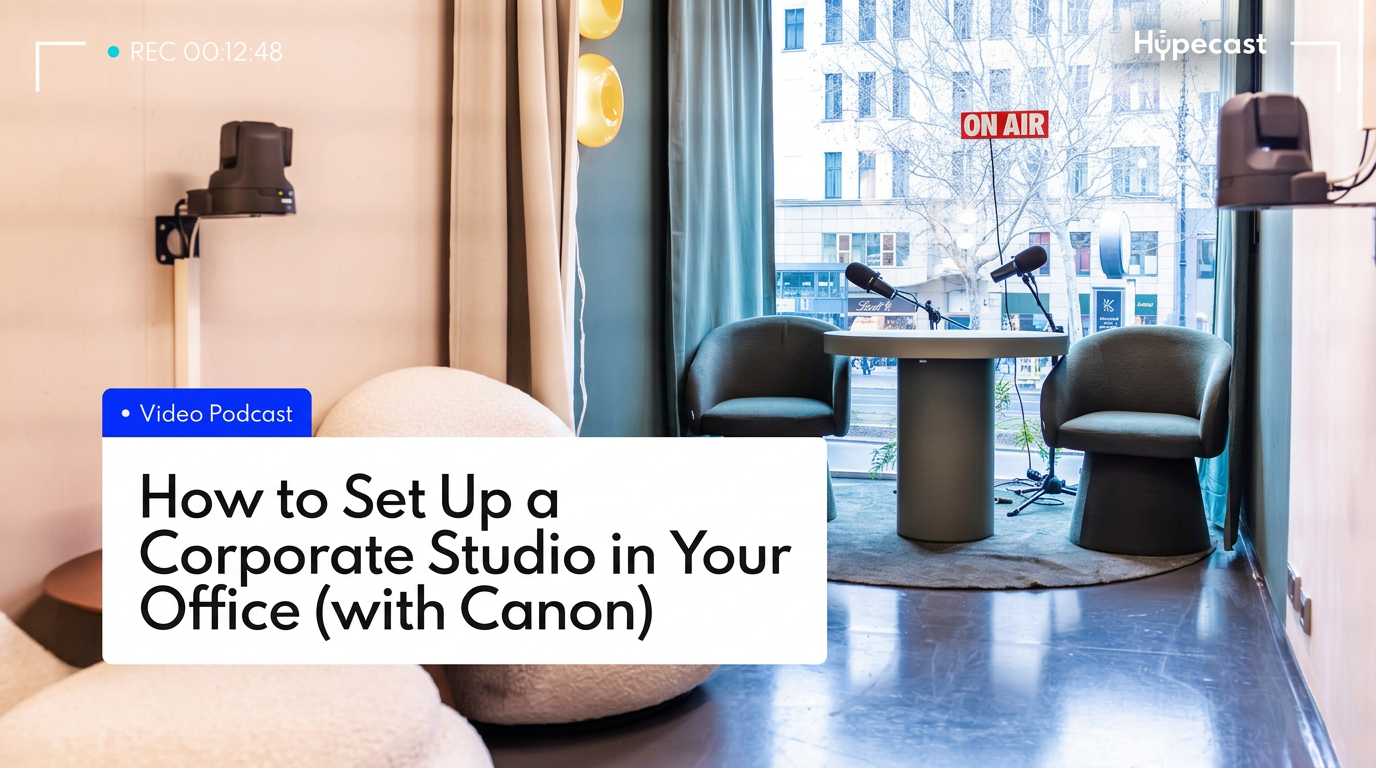
Two PTZ cameras are usually enough for a podcast or two-person interview set; three give you full multi-cam flexibility for panels and town halls.
Controllers
- Canon RC-IP100 / RC-IP1000 and the SKAARHOJ RC-SK5 let one operator pan, tilt, zoom, and switch up to 200 cameras over IP. Pre-program your shots once and the studio becomes one-person operable.
Hybrid and cinema bodies (optional, for premium work)
- Canon EOS C80 / C400 — cinema-grade image quality for image films, brand campaigns, and the highest-stakes leadership content.
- Canon EOS R6 Mark II + RF 24-105mm — a flexible hybrid for talking-head close-ups and photography.
- Canon EOS R50V / PowerShot V1 — compact all-in-one cameras for vlog-style or behind-the-scenes content.
Audio
Audio is the single biggest perceived-quality lever. Plan for Shure-grade microphones (SM7B, MV7+, or wireless lavs) into a small mixer or USB interface. A bad camera with great audio looks more professional than the opposite.
Lighting
Two key LED panels with softboxes plus one backlight or hair light is enough for almost every corporate shot. Lock the positions with floor markers so the look is identical every session.
Software and workflow: from raw footage to published content
Hardware is half the studio. The other half is the workflow that turns recording days into a steady drumbeat of internal and external content:
- Plan — quarterly content calendar mapped to the formats you defined (e.g. weekly leadership podcast, monthly town hall, biweekly product update).
- Record — block recording days. With PTZ presets and one operator, you can record 4–6 episodes back to back.
- Produce — Hypecast (or your existing post-production pipeline) handles edit, transcripts, chapters, AI-generated summaries, thumbnails, and short clips for social.
- Distribute — push internal content into your intranet, Microsoft Teams, or the Hypecast app for frontline workers; push external content to YouTube, Spotify, and LinkedIn.
- Measure — listen-through rate, completion rate, and qualitative feedback feed back into next quarter''s calendar.
Formats in practice: what a typical week looks like
- Monday: Plan and prep — script reviews, guest briefing, set check.
- Tuesday: Recording day — 2 podcast episodes (CR-N300, two-cam), 1 leadership message (CR-N500, single cam), 1 short LinkedIn explainer (R6 Mark II).
- Wednesday–Thursday: Edit, captions, thumbnails, internal review.
- Friday: Publish, distribute internally and externally, schedule next week.
One small team, one room, four formats — that''s what a corporate studio enables.
Proof: companies already doing this
- Raiffeisen Capital Management produces ~140 videos per year with a three-person team using Canon cameras to build trust in financial markets.
- Adwise built a fully integrated in-house studio around Canon CR-N300 PTZ cameras and the GetyourStudio software stack to produce talkshows, podcasts, and webinars without external crews.
Both case studies are documented on Canon''s corporate studio hub.
Next steps
If you want to see what this looks like fully built and operating, our Podcast Studio Berlin runs Canon PTZ + Shure audio in a three-set configuration. We use the same blueprint with enterprise customers building studios at their own HQ.