Hypecast Studio for Desktop
Your Laptop Becomes
the Studio.
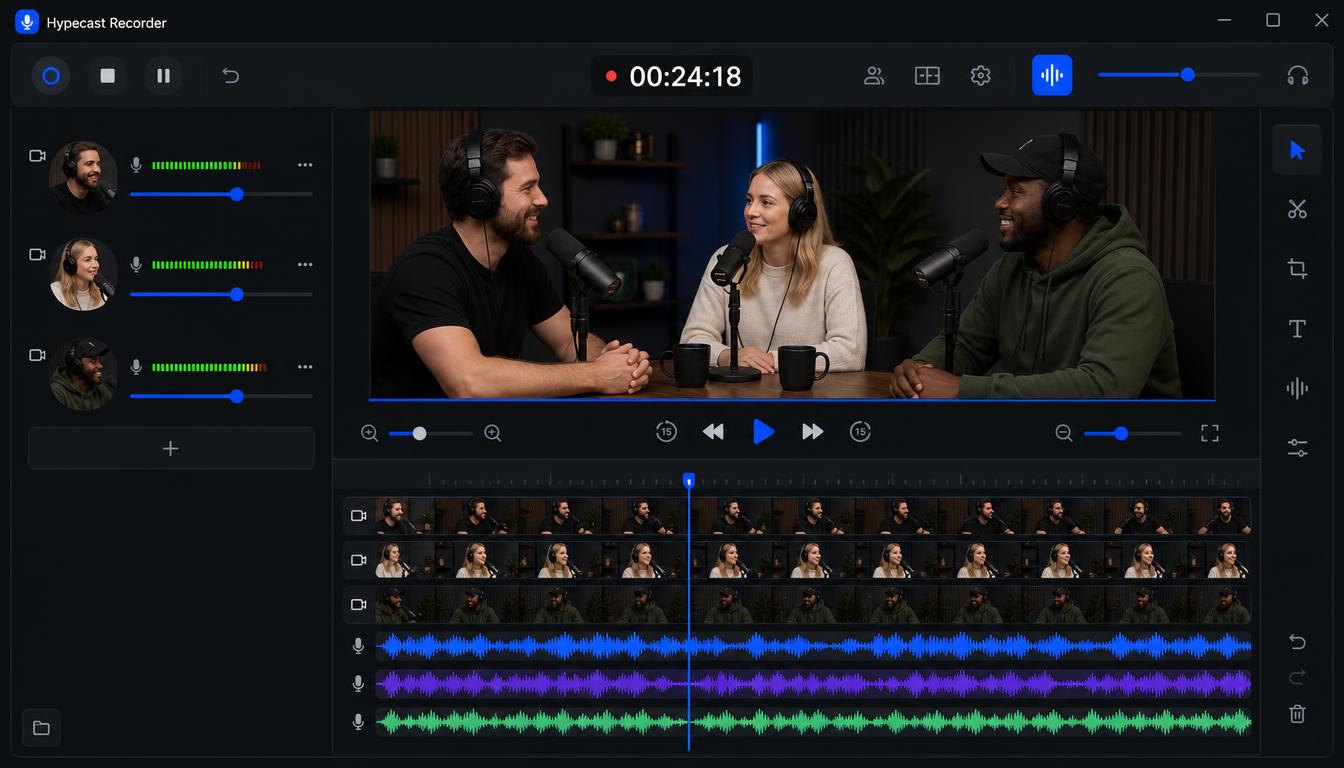
Hypecast Studio for desktop turns one laptop into a local audio and video interface - three cameras, three microphones, all plugged into your computer. Every guest on their own track, a finished episode when you stop.
Free · Windows 10/11 and macOS 14+
One Laptop, a Full
Recording Setup.
Everything you need to produce a professional video podcast lives inside the app - from multitrack recording to a pre-produced, ready-to-share episode.
Your On-Device Hypecast Studio for Desktop
Everything records and renders locally on your machine. No cloud, no upload, no account. Your recordings never leave your computer.
Three Cameras, Three Microphones
Plug USB mics and cameras into one laptop, and each guest lands on a separate channel with live preview and levels. The app remembers your setup.
Separate Tracks, Crash-Safe
Every channel is written as its own audio and video file while you record. Even a power cut keeps everything up to that moment.
A Jump-Cut Episode, Pre-Produced
When you stop, the app automatically cuts a main video that follows whoever is speaking, with a grid when everyone talks at once.
An Editor Built In
Cut on waveforms, add intro and outro, lay music that automatically ducks under speech. Drag your logo and speaker titles onto the preview and pick a look.
Every Format an Episode Needs
A 16:9 episode, a 9:16 clip for social, audio-only for the feed, and per-track WAV stems for editing elsewhere.
See It in Action
Built for Real Productions
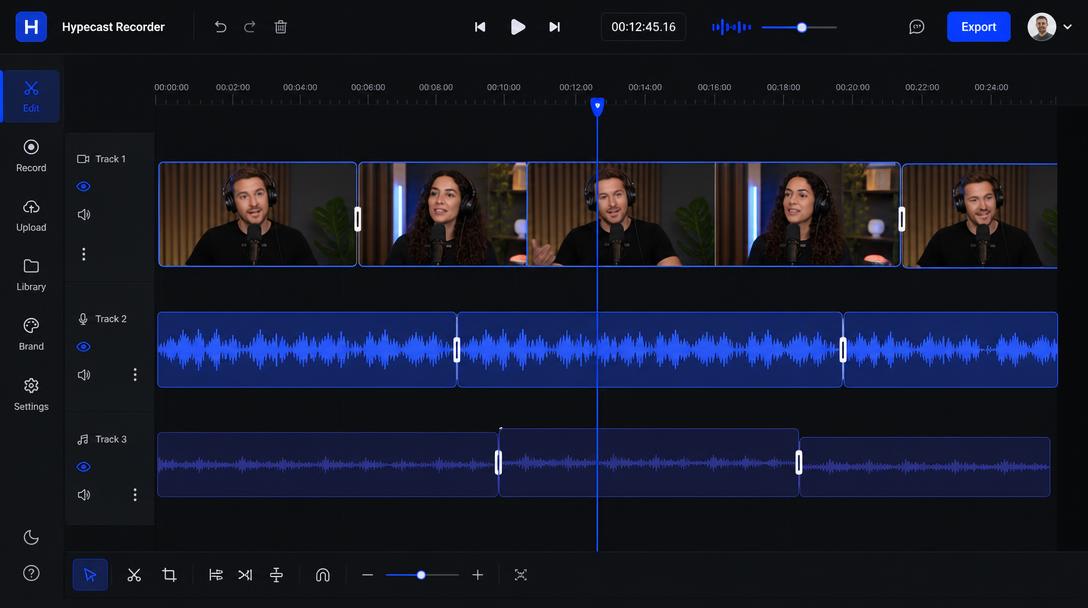
Multitrack Timeline
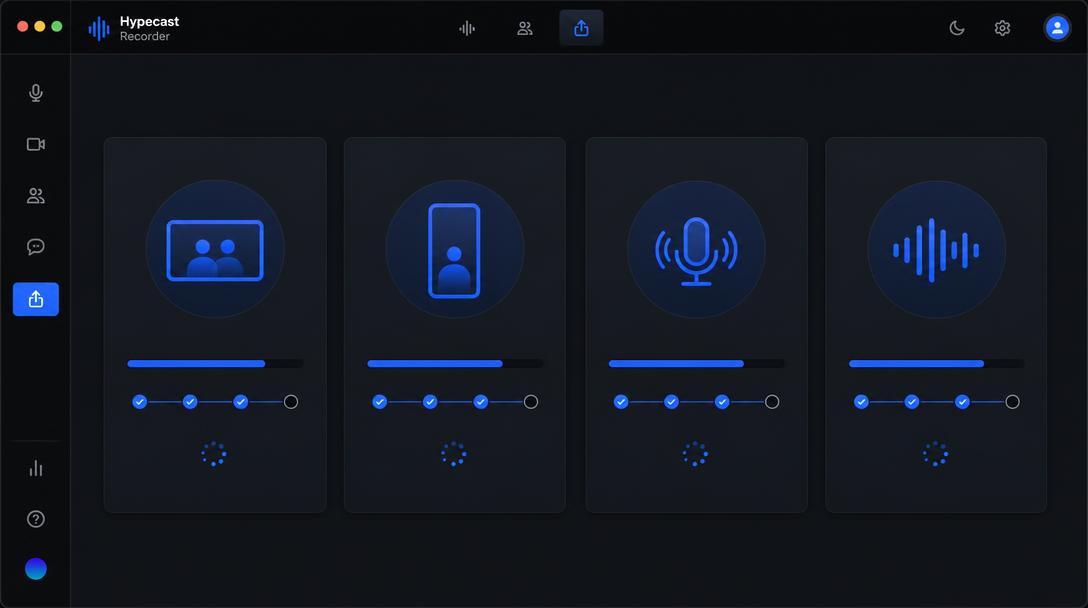
One-Click Export
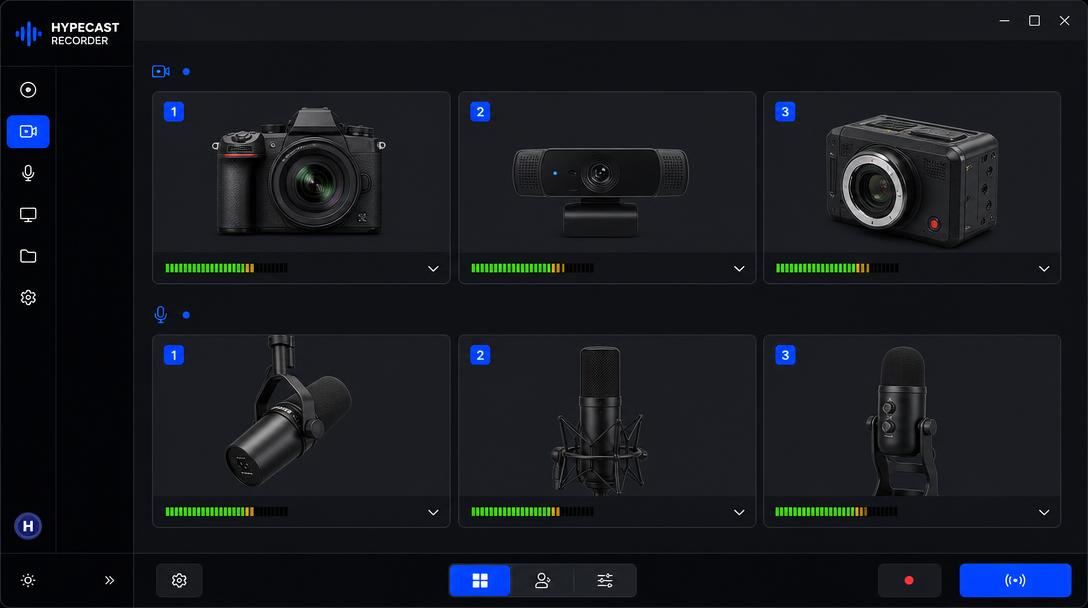
Device Setup
What Is
On the Roadmap.
Hypecast Studio for Desktop is growing. Here is what we are building next.
Frequently Asked Questions
Get Hypecast Studio for Desktop
We send the download link by mail. Windows 10/11, 64-bit, about 110 MB, installs without admin rights.
SHA-256 (Windows): 512363B8E2CF46BF4DC06C8A686D56BC8D35ED84D8B3C55EDBA568BFA177E52E
Prefer the
Web Studio?
Hypecast Studio runs in the browser with AI post-production, transcription, and publishing - perfect for distributed teams.
Explore Hypecast Studio