
Most people search "how to create a podcast" expecting a hobbyist checklist: pick a name, buy a USB mic, publish to Spotify. That path works if you are a solo creator. It does not work if you are trying to create a podcast inside a company - for internal communications, employer branding, sales enablement, or leadership storytelling. Corporate and internal podcasts have different requirements: identity, security, distribution, approvals, analytics. This guide walks through how to create a podcast that holds up in a business, in the order you should actually make decisions.
Step 1: Decide what kind of podcast you are creating
Before you touch a microphone, decide which of three formats you are building. The same recording gear can produce any of them, but the strategy behind each is very different.
- Internal podcast - private, employees only. Distributed inside Microsoft Teams, SharePoint or an intranet. Used for CEO updates, change management, HR onboarding, frontline enablement.
- Corporate podcast - external, brand-owned, published to Spotify and Apple Podcasts. Used for thought leadership, employer branding, category education.
- Branded podcast - external, produced with an agency for a specific campaign or narrative arc, usually seasonal.
If you skip this step, you will end up making an internal podcast with consumer tools, or a corporate podcast without a distribution plan. Pick one before you write a single episode outline.
Step 2: Nail down the show concept
A podcast is not "a podcast" - it is a specific show with a specific promise. To create a podcast that people actually listen to, define five things in writing:
- Audience - one primary persona (e.g. "our 3,200 frontline retail employees" or "mid-market IT decision makers in DACH").
- Promise - what the listener gets after 20 minutes.
- Format - interview, solo monologue, panel, narrative documentary, roundtable.
- Cadence - weekly, bi-weekly, monthly. Under-promise and over-deliver.
- Season length - 8 to 12 episodes is the sweet spot for a first season.
If you cannot describe your show in a single sentence - "A monthly 20-minute show where our CEO answers the questions employees are actually asking" - go back and tighten it.
Step 3: Choose the right software to create a podcast
For a corporate or internal podcast you need more than a recorder. You need software that handles the full workflow: recording, editing, hosting, distribution, transcripts and analytics, with security controls IT will approve.
Look for these capabilities:
- Multi-host remote recording with local track capture (so quality survives Wi-Fi hiccups).
- AI transcripts, chapters and translations to compress the edit cycle.
- Native publishing into Microsoft Teams, SharePoint, Staffbase, Haiilo or Unily for internal shows, plus Spotify and Apple for external shows.
- SSO / SAML, role-based access and audit logs so IT signs off.
- Analytics that map to your org chart, not just anonymous download counts.
Consumer tools like Riverside, Descript or Anchor are fine for solo creators. For a team, use an enterprise podcast platform built for the workflow. Hypecast is one option purpose-built for internal and corporate podcasts.
Step 4: Get the recording setup right
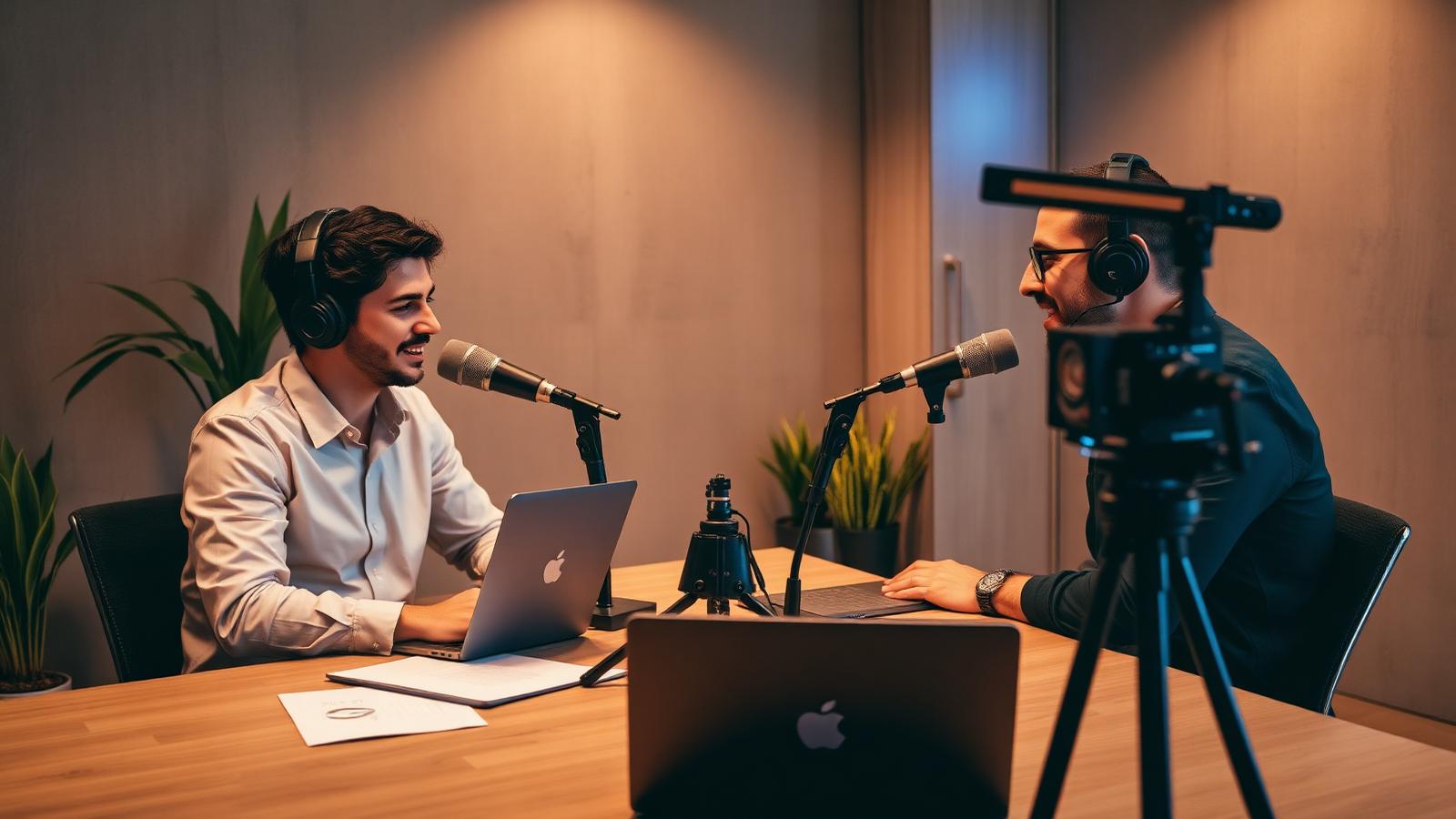
You do not need a broadcast studio to create a podcast that sounds professional. You need three things done well: a good microphone, a quiet room, and a video podcasting camera if you want video.
Microphone. For hosts and guests in the same room, dynamic microphones like the Shure SM7B, SM7dB or MV7i reject background noise and forgive imperfect rooms. For remote guests, a USB condenser like the Shure MV7+ or a Rode NT-USB Mini paired with closed-back headphones is enough. Never record on laptop microphones.
Room. A carpeted room with soft furniture beats an "empty studio". Record away from windows and HVAC vents. If you have echo, add a rug, curtains, and a bookshelf; do not buy foam panels first.
Video podcasting camera. If you plan to publish video clips (recommended - clips drive most of the discovery), use any mirrorless camera as a video podcasting camera: Canon R6, Sony ZV-E10, or a Logitech Mevo for hands-off auto-framing. For remote hosts, a good webcam and consistent lighting are enough.
Lighting. A single soft key light per host in front of them, at eye level. Never light from directly overhead.
Step 5: Plan the first season, not the first episode
The failure mode of every corporate podcast is running out of steam in episode four. Prevent it by planning a full season before you record anything.
- Draft 8 to 12 episode titles and one-line premises.
- Confirm at least 6 guests in writing.
- Batch-record two to three episodes before launch so you always have an episode in the bank.
- Write the season arc: what does the audience believe after episode 12 that they did not believe after episode 1?
Step 6: Record and produce each episode
A repeatable production loop is what turns a podcast into an actual habit. The workflow that works for corporate teams:
- Pre-brief the guest (15 minutes) - share topics, not exact questions.
- Sound check - test levels, headphones, camera framing.
- Record - locally per participant, not just the meeting stream.
- Auto-transcribe and chapter inside your podcast platform.
- Review and cut - remove filler, tighten pacing, drop 20 percent of the runtime.
- Approve - route to legal, comms or HR through the platform's approval workflow if needed.
- Export show notes, chapters and social clips from the transcript.
For a weekly show, this loop should take one production day per episode, not one week.
Step 7: Publish where your audience actually is
The publishing step is where most corporate podcasts fail. "We uploaded it to Spotify" is not a distribution plan.
Internal podcast. Publish inside the tools employees already open every day: a private feed inside Microsoft Teams, embedded episodes on SharePoint news pages, cards inside Staffbase or Haiilo, and SCORM-wrapped episodes inside your LMS if it is a learning show. Optionally, mirror to a private Spotify feed for people who prefer their commute.
Corporate or branded podcast. Publish to Spotify, Apple Podcasts, YouTube (video), and your company website. Use the platform's RSS distribution instead of managing each destination by hand.
Every episode should have: a clear title, a two-line description, chapters, a transcript, and a 60 to 90 second vertical clip. Those five assets are the difference between an episode that gets found and one that does not.
Step 8: Measure what leadership actually cares about
Downloads are a vanity metric. To justify continuing the show at the end of the quarter, measure:
- Completion rate per episode (are people actually finishing?).
- Reach by department or team for internal shows.
- Follower growth and repeat listen rate for external shows.
- Qualitative signal - captured questions, guest requests, replies inside Teams or LinkedIn.
Set a target before season one launches - for example, "60 percent completion and 40 percent department reach by episode 8" - and review it after every episode, not at the end of the season.
Common mistakes when you create a podcast for a company
- Recording six episodes, then trying to figure out the distribution plan.
- Using a consumer podcast host for an internal show and hoping IT does not notice.
- Editing every episode from scratch instead of building a template.
- Booking one guest at a time instead of pre-committing the season.
- Measuring downloads instead of completion and reach.
Avoiding these five is worth more than any equipment upgrade.
The short answer to "how to create a podcast" for a company
- Decide whether you are creating an internal, corporate or branded podcast.
- Define the show in one sentence.
- Pick enterprise podcast software with the security and integrations IT can approve.
- Set up a good mic, a quiet room, and (if you want video) a proper video podcasting camera.
- Plan the season, not the episode.
- Run a repeatable production loop.
- Publish where your audience already is.
- Measure completion and reach, not downloads.
Do those eight things and you will not just create a podcast - you will create one that survives past episode four and earns a second season.